


Tag: show
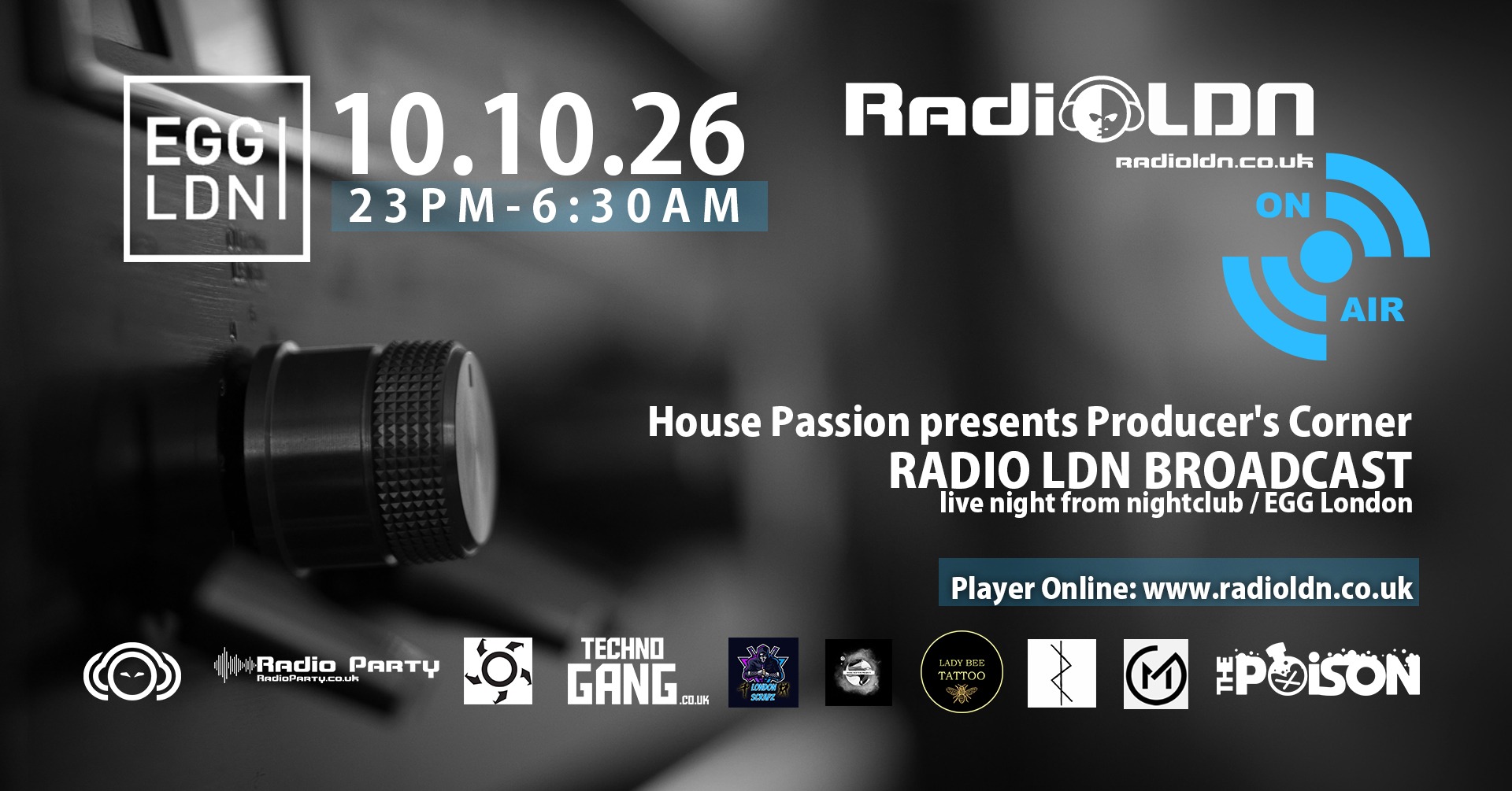
RadioLDN – Broadcast live night from nightclub / EGG London
How to Broadcast Live with Winamp 5.x and SHOUTcast DSP 2.2.3
Download (Winamp + SHOUTcast DSP 2.2.3)
You can download the Winamp + SHOUTcast DSP package from:
https://radioldn.co.uk/winamp_plus_dsp
1. Install Winamp and SHOUTcast DSP
- Close Winamp if it is running.
- Run the installer from https://radioldn.co.uk/winamp_plus_dsp
- Start Winamp after the installation completes.
2. Enable the SHOUTcast Source DSP plug-in
- In Winamp, press Ctrl+P to open Preferences.
- On the left side, click Plug-ins ▸ DSP/Effect.
- Select Nullsoft SHOUTcast Source DSP v2.x [dsp_sc.dll].
- The SHOUTcast Source window will appear. Keep this window open.
3. Configure server login (Output tab)
In the SHOUTcast Source window:
- Click the Output tab.
- Select Output 1 from the list.
- Click the Login sub-tab.
3.2 SHOUTcast v1 mode
If your service is SHOUTcast v1, enable legacy mode.
- Tick Use SHOUTcast v1 moders).
- Address: e.g. stream IP or name
- Port: e.g.
85555 - Password: your source / DJ password
4. Directory (Yellowpages) and stream display details
- In the Output tab, click the Directory (Yellowpages) sub-tab.
- If you want your station public, tick Make this server public.
- Fill in:
- Stream Name – your station name
- Stream URL – your website, if available
- Genre, AIM/ICQ/IRC – optional
- Tick Enable Title Updates and the two Auto boxes to send track titles.
5. Set encoder format and bitrate
- Click the Encoder tab in the SHOUTcast Source window.
- Select Encoder 1.
- For Encoder Type, choose:
- MP3 Encoder – works on almost all players.
- AAC+ Encoder – better quality at low bitrates, but needs AAC+-capable players.
- Choose the Encoder Settings bitrate that matches your plan, for example
320 kbps, 44.1 kHz, Stereo.
6. Choose the audio input (Winamp or soundcard)
- Click the Input tab.
- In Input Devicechoose:
- Winamp – streams everything you play inside Winamp (MP3, playlists, etc.).
- Soundcard Input – streams from your soundcard line-in/mic, useful for external mixers or live voice.
7. Connect and start streaming
- Go back to the Output tab, make sure Output 1 is selected.
- Click the Connect button.
- In the status area you should see a timer and messages like “Sent xxxx bytes”. This means you are connected and sending audio.
- In the main Winamp window, start playing your playlist or audio files.
Share this link

radio ldn – Looking for Presenter / Broadcast Submit Demo – radio london
We are looking for presenters to join – Make live at Radio LDN broadcast
our radio with All Electronic Dance Music.
Requirements:
Minimum age: 18
Knowledge of shoutcast V1
Microphone
Minimum 1h of free time
Stream from your Home / Studio
Submit demo talking through a microphone with music
Reading Greetings Live
How to broadcast on RadioLDN ? Learn and Download
Butt Software – Linux / MacOS / Windows: Click Here
Winamp Software – Only for Windows XP / 10 / 11 : Click Here
Share this link
radioldn – Techno Party / Egg London – Nightclub
Friday 21 November from 22:00-06:00
We present some of the World’s most renowned DJs / Artists and special guests. For those who love Underground you have found the right place.
RadioLDN – brings the London city vibes with a great selection of Techno music!
Dj PeXu
Spec J Dj
R3lu
El Tel
Shane DB
Project 5
—————–
Photo ID Required for entry
Our venue is open to all and all are welcome
Event fb:https://www.facebook.com/events/1845385826063711
Loft room:
Address: EGG London 5-13 Vale Royal, London, United Kingdom
Dj PeXu – Broadcast Techno Live / radioldn / 03.02.2023
Tune In


